

Smyrna Couples Counseling is a practice in the Atlanta area run by Jena Irvin. She leads a team of associate therapists. New clients find the practice online and reach out through the website.
Every one of those referrals used to go through Jena. Now none of them have to.
The five-minute problem
Each referral arrived by email. Then the routine began. Read it. Open the tracking sheet. Type in the details. Work out which associate had room. Forward it on. Each one took five or six minutes.
Five minutes doesn't sound like much. But it was five minutes of the owner's attention, in the middle of everything else, every time a referral came in. And while a referral sat unread, the person behind it was waiting to hear back.
That second cost is the one that matters in counseling. Someone who writes to a practice has often thought about it for a long time before they press send. The gap between their message and a reply is the gap where they can talk themselves out of it.
Why not just buy software?
There are tools that promise this. Many of them want your client records moved into their system, a new login for everyone, and a monthly fee per seat. For a counseling practice, moving sensitive information somewhere new is a real cost, not a detail.
Jena already had what she needed. A website, an inbox, and a sheet her team understood. The tools weren't the problem. The problem was the person standing between them, doing the hand-offs.
So we built the hand-offs inside her own Google Workspace. No new app for the team to learn. No client data leaving her account, and none of it ever passing through ours.
Every hand-off has three parts
Before deciding whether anything should be automated, we split the hand-off into three parts. We call it Rule, Route, Hold.
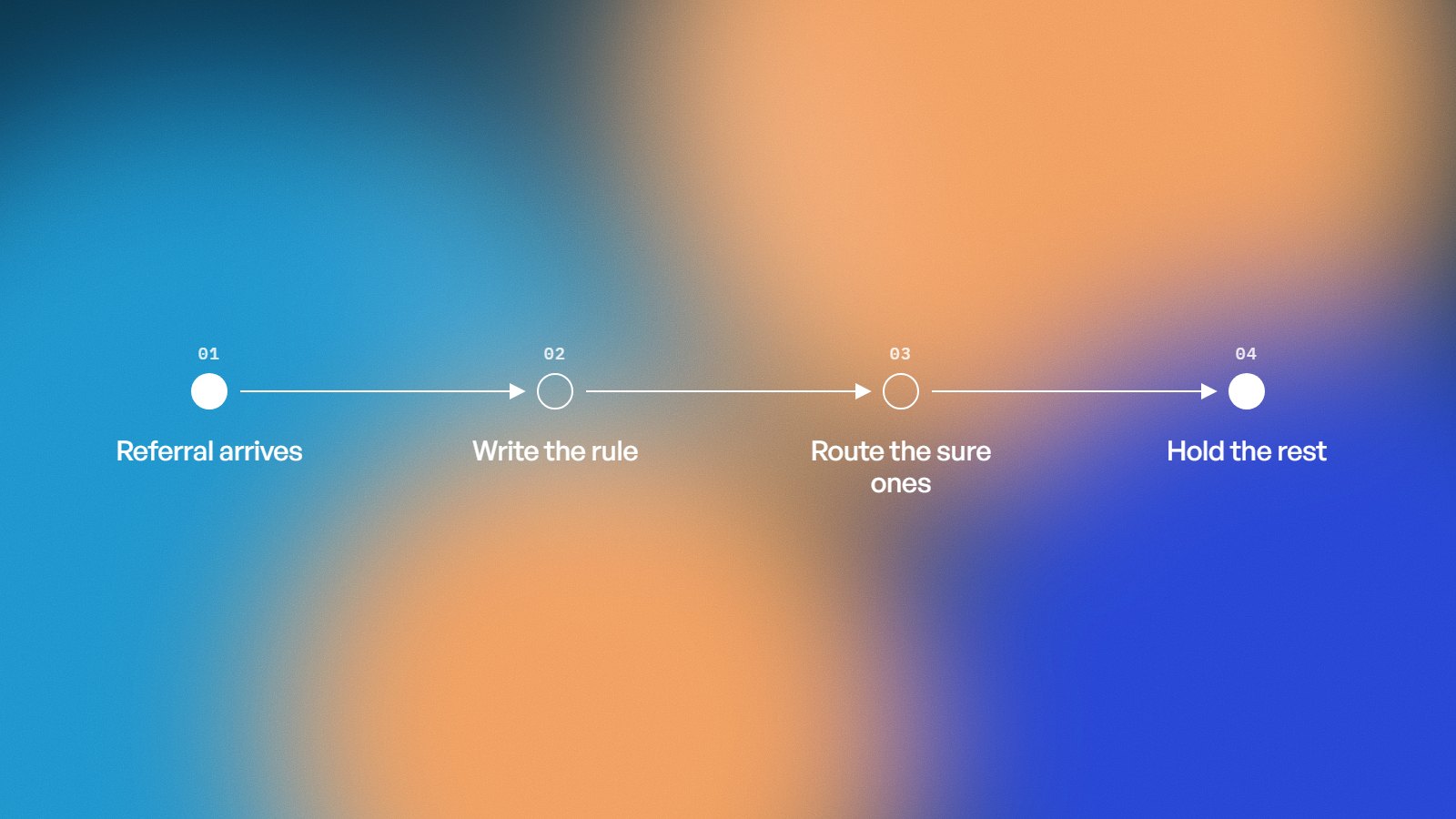
Rule. What's the decision, written as a sentence a new hire could follow? For Jena, it came down to this: a real client referral goes to the associate whose turn it is on a balanced rotation. If you can't write the rule down, there's nothing to automate yet. There's a habit to put into words first.
Route. Where does each item go once the rule is applied, and what has to happen on the way? Here, that meant filling the sheet and forwarding the referral to the right associate, the same way it always arrived.
Hold. What should the system refuse to decide? This is the part most people skip, and it's the part that decides whether the system survives.
The useful thing about this split is that it tells you honestly where you stand. A task with a clear rule, a simple route and a small hold is a strong candidate. A task where most items would land in the hold isn't ready, however repetitive it feels.
What does it do now?
An automation reads each website referral, fills in her sheet, matches an associate on a balanced rotation, and forwards it. Each one takes between one and three seconds. Nobody has to open anything.
The best part is how little changed for everyone else. The website looks the same. The sheet looks the same. The associates get the referral the way they always did. It just arrives on its own.

Why is the hold the hardest part?
On a whiteboard, this is four boxes and three arrows. In a real inbox, it isn't.
Website referrals aren't all written the same way. A contact form attracts vendors, pitches and spam as well as people asking for help. The rotation has to stay fair across the whole team, and the team can see the counts, so "roughly fair" isn't good enough. Every assignment has to be explainable after the fact. And because these are people reaching out for counseling, a mistake isn't a typo. It's someone who doesn't hear back.
So the system has a safety net. Anything that doesn't read like a real client is held for a human instead of being routed. The system only acts when it's confident, and hands everything else back to a person.
That one rule is the difference between a system you trust and one you babysit. Homemade automations often skip it, and that's usually why they get switched off after the first bad week.
Automate the rule. Route what's certain. Hold everything else for a person.
The trade-off is speed against certainty
A system that holds more is safer and slower. A system that holds less is faster and riskier. No setting makes both go away.
For a counseling practice, the right balance leans careful. Sending a vendor's pitch to an associate is a small annoyance. Treating a real person's message as junk is not. So the hold is drawn wide on purpose, and a person looks at anything near the line.
A different business would draw it differently. A shop sorting supplier invoices can afford to be bolder, because a mistake there is cheap to catch. That's why the same tool can be right for one business and wrong for another. The judgment is in where the line sits.
What changed for the practice?
Referrals now reach an associate in seconds, not whenever Jena next had a free moment. The associates' caseloads went up, because inquiries stopped stalling in an inbox. And Jena got her time back, plus the headspace that comes with no longer being the hand-off for every new client.
It also kept running after launch. That matters more than the build. An automation that works for a month and then quietly fails is worse than doing it by hand, because nobody notices until a client is missed.
Waiting costs more than the minutes
It's easy to look at five minutes and decide it can wait. The minutes are the smallest part of the cost.
The bigger cost is the delay between a person reaching out and someone replying, and the work that stalls while the owner is the only one who can move it. Neither shows up on a timesheet. They show up as caseloads that could have been fuller.
How do you know if your business has one of these?
Look for the place where you're the bridge. You copy details from one place to another. You decide who handles something using a rule you could explain in a sentence. You forward and you log.
If that describes part of your week, run it through Rule, Route, Hold. Can you write the rule? Is the route simple? How much would land in the hold? Whether it's worth building also depends on how often it happens, what a mistake would cost, and where your data has to stay. Those are judgment calls, and they're the ones we'd want to make with you, not for you.
FAQ
Did the practice have to change its website? No. The automation works with the website, inbox, and sheet the practice already had.
Where does the client information live? In the practice's own Google account, the same place it lived before. Nothing moves to an outside service.
What happens with an email the system isn't sure about? It holds it for a person. It never guesses.
Find your five minutes
If there's a task in your week that you do the same way every time, it might be someone's two seconds. Tell us how it works today, and on a short call we'll tell you honestly whether it's worth building and what we'd look at first.